How to turn your notes into flashcards with AI (and check them)
AI can draft a deck from your notes in seconds. Here's how to get good cards out of it, what to check before you study them, and when to write your own.
AI study tools
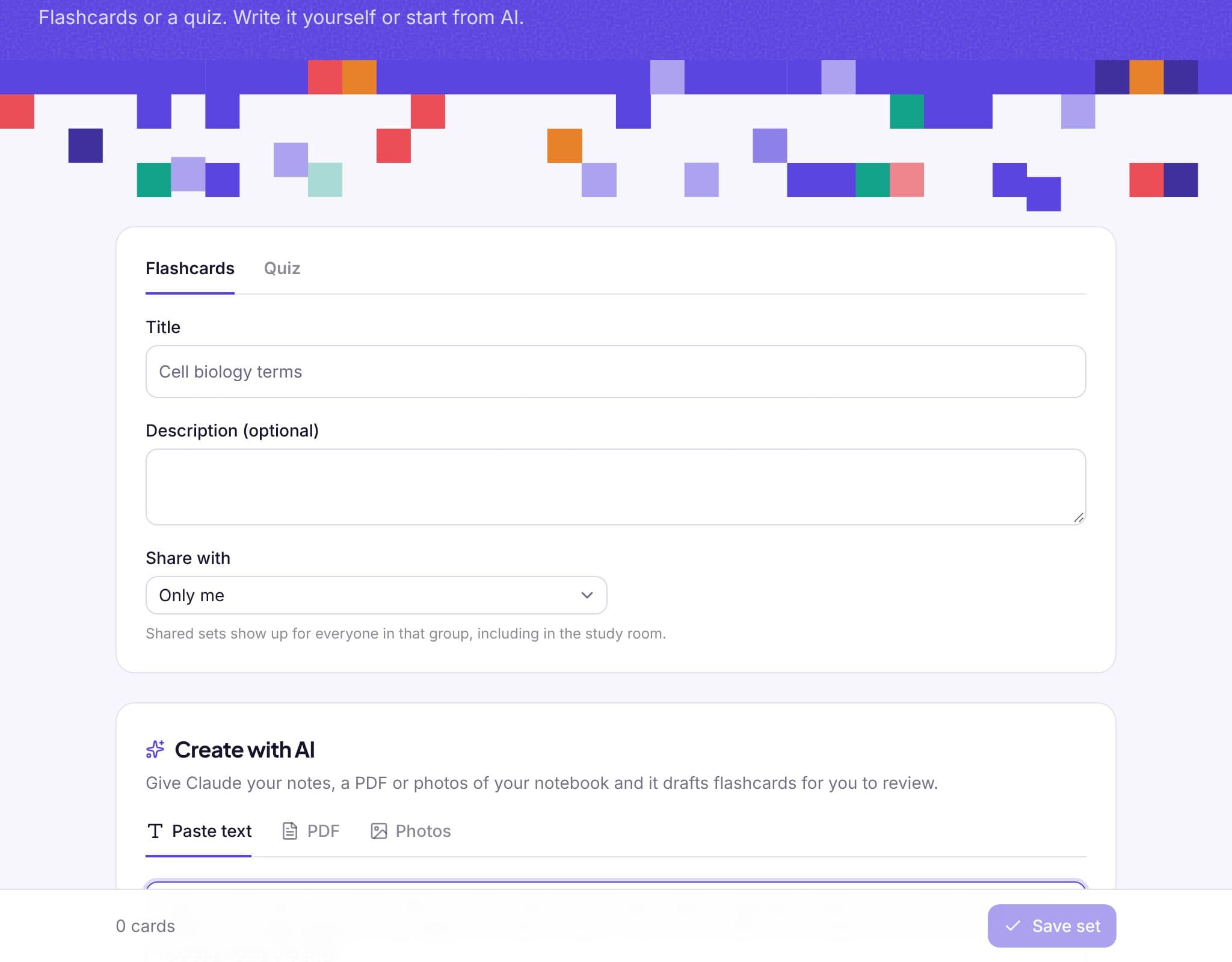
AI study tools
Paste up to 100,000 characters of text, upload a PDF up to 20 MB, or add up to 5 photos.
A flashcard deck, a multiple-choice quiz with explanations, or a mind map of the topic.
Ask for 5 to 40 cards or questions, or a mind map of 15 to 60 ideas.
Every AI draft opens in the editor. Fix, delete or add anything before you save. Nothing is saved until you say so.
Generation runs on Anthropic's Claude, which reads text, PDFs and handwriting in photos.
Saved AI sets work like any other: spaced repetition, practice, games and sharing with your group.
How it works
Paste text, upload a PDF or add photos of your notes.
Choose flashcards, a quiz or a mind map, and how many items you want.
Edit the draft, then save it and start studying.
From the blog
AI can draft a deck from your notes in seconds. Here's how to get good cards out of it, what to check before you study them, and when to write your own.
A step-by-step guide to mind maps for studying: when they help, how to structure one, and how to turn a finished map into revision.
What research says about learning games and gamification, why retrieval is the part that matters, and how to play study games so they count as studying.
FAQ
Usually, but not always. That's why every draft opens for review first. Check each card against your notes before you save.
One PDF up to 20 MB, or up to 5 images (JPEG, PNG, GIF or WebP) up to 5 MB each.
Clear handwriting in a well-lit photo usually works. Messy pages may need more fixing in the draft.
Works well with
Sign up with Google or your email and you're studying in under a minute. No card, no trial.