How to make a mind map that helps you study
A step-by-step guide to mind maps for studying: when they help, how to structure one, and how to turn a finished map into revision.
Mind maps
Mind maps
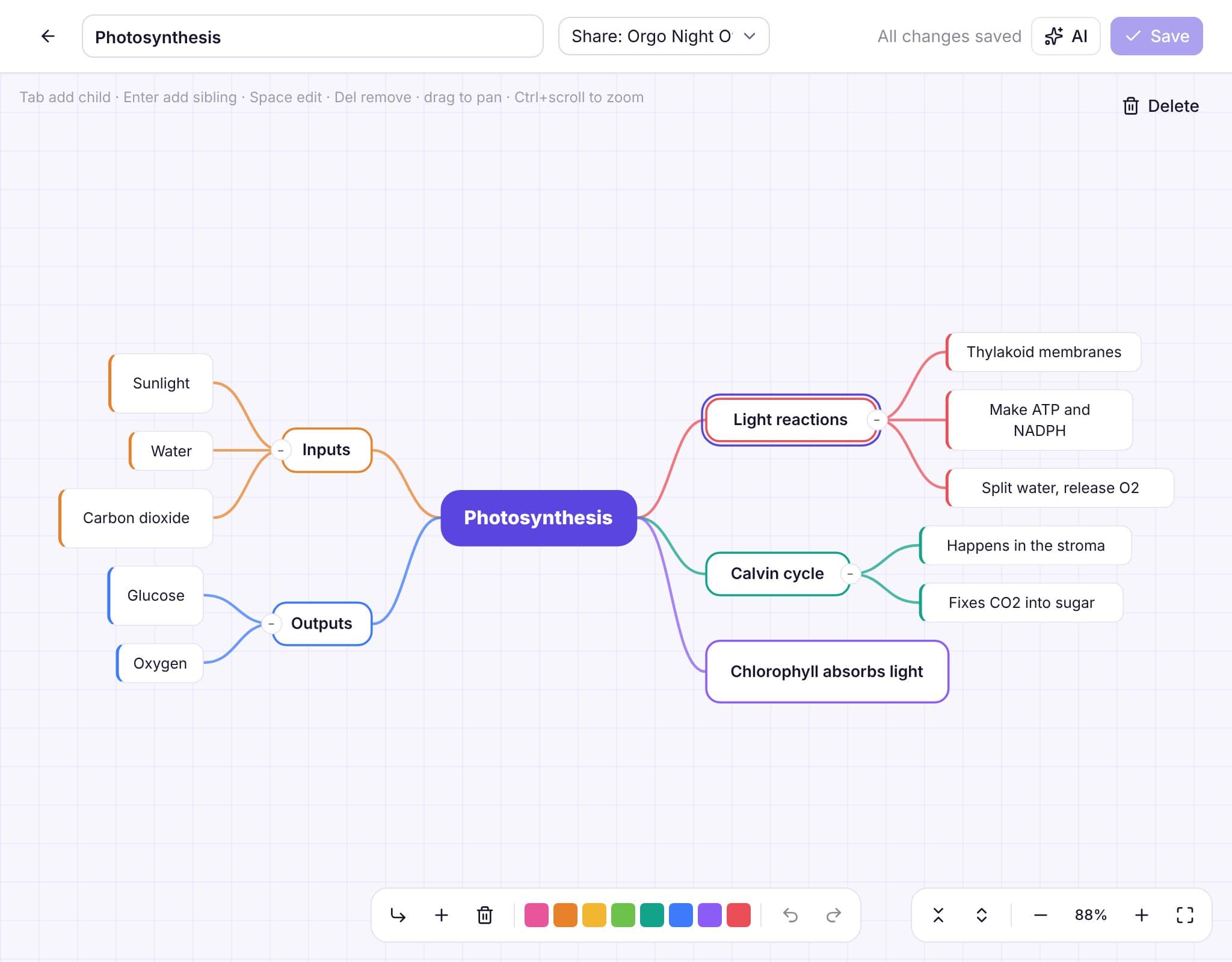
Tab adds a child, Enter adds a sibling, arrows move around. You rarely need the mouse.
Branches balance left and right around the central topic, and nothing ever overlaps.
Color a branch to group ideas, and fold away the ones you're not working on.
Generate a map from notes, a PDF or photos, then reshape it however you like.
Full undo and redo while you edit, and a warning before you leave with unsaved changes.
Share a map with a study group. Members can view it; only you can edit it.
How it works
Type the central topic, or generate a map from your material.
Add main ideas, then details under each one.
Collapse branches to quiz yourself, and share the map with your group.
From the blog
A step-by-step guide to mind maps for studying: when they help, how to structure one, and how to turn a finished map into revision.
AI can draft a deck from your notes in seconds. Here's how to get good cards out of it, what to check before you study them, and when to write your own.
What research says about learning games and gamification, why retrieval is the part that matters, and how to play study games so they count as studying.
FAQ
Up to 300 ideas per map, which is plenty for a whole chapter.
Yes. Upload a PDF, paste text or add photos and choose how many ideas you want (15 to 60).
Group members can view a shared map. Only the owner can edit it.
Works well with
Sign up with Google or your email and you're studying in under a minute. No card, no trial.