How to run a study group that people keep showing up to
Most study groups fade after week three. Here's how to pick the right size, set a rhythm, split the work and keep sessions worth turning up for.
Study groups
Study groups
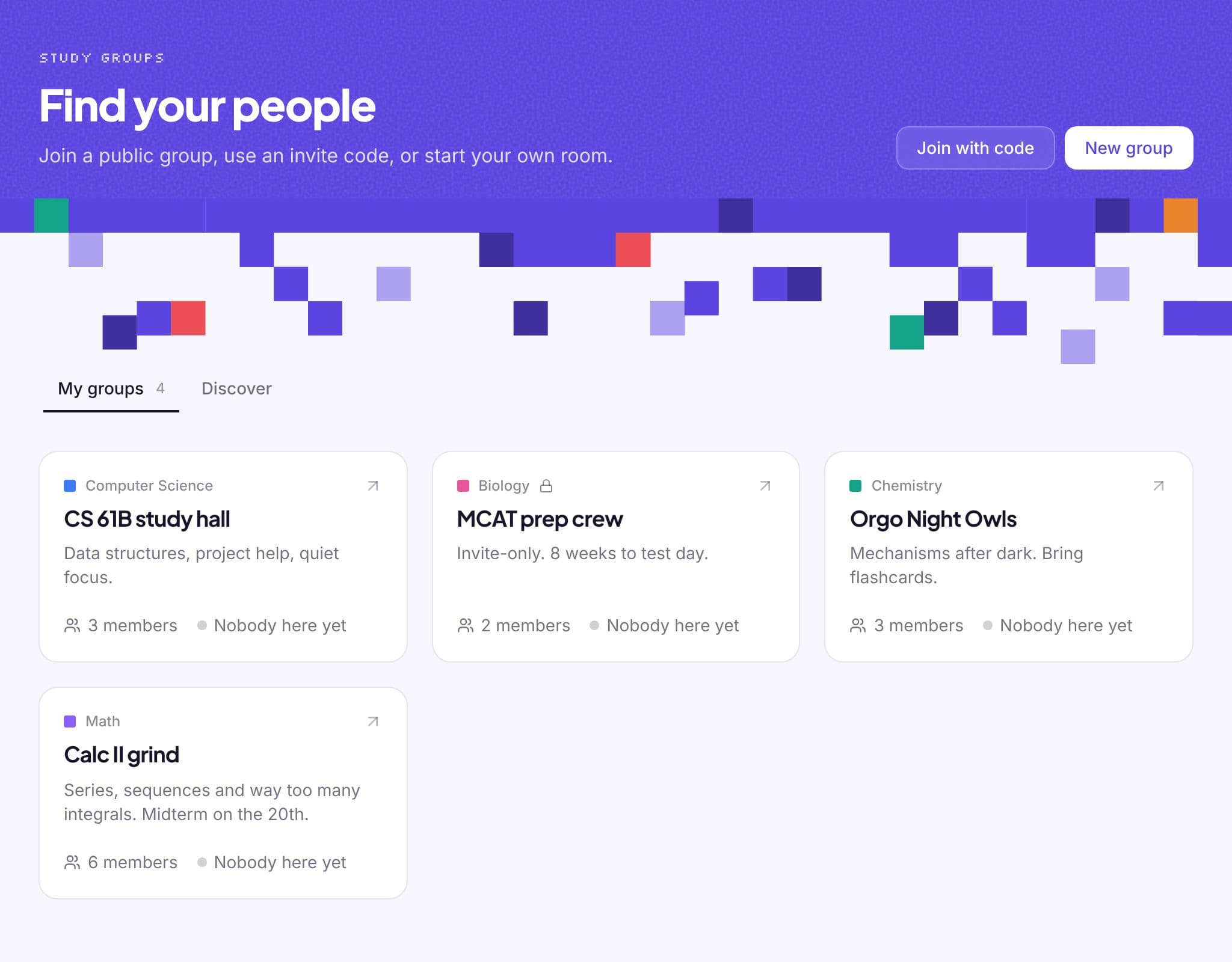
Public groups show up in Discover, searchable by name or subject. Private ones are invite-only: share a 6-letter code or a link.
Every group card shows how many people are in the room right now, so you know when to jump in.
Finished focus blocks count toward a weekly leaderboard per group. Friendly pressure, no grades.
Share flashcards, quizzes and mind maps with a group. Everyone in it can study them, and the group can battle on them.
Members see your username, your pixel avatar and what you're working on. Never your email address.
If the owner leaves, the group stays and someone else takes over. No orphaned groups.
How it works
Give it a name and a subject, and choose public or invite-only.
Send the invite link or the 6-letter code. They're in with one click.
Open the study room, start the shared timer and get to work.
From the blog
Most study groups fade after week three. Here's how to pick the right size, set a rhythm, split the work and keep sessions worth turning up for.
Studying with friends can double your focus or halve it. A practical setup for online study sessions that keeps everyone accountable and on task.
What the Pomodoro Technique is, why 25-minute blocks work, how to adapt it for exams and group study, and the mistakes that make it stop working.
FAQ
Yes. Making groups, joining groups and studying in them is free.
Yes. Join as many as you like: one per class is a good start.
Turn off “public” when you create the group. It won't appear in Discover, and people can only join with your code or invite link.
Your username, your pixel avatar and your “working on” status. Never your email.
Works well with
Sign up with Google or your email and you're studying in under a minute. No card, no trial.